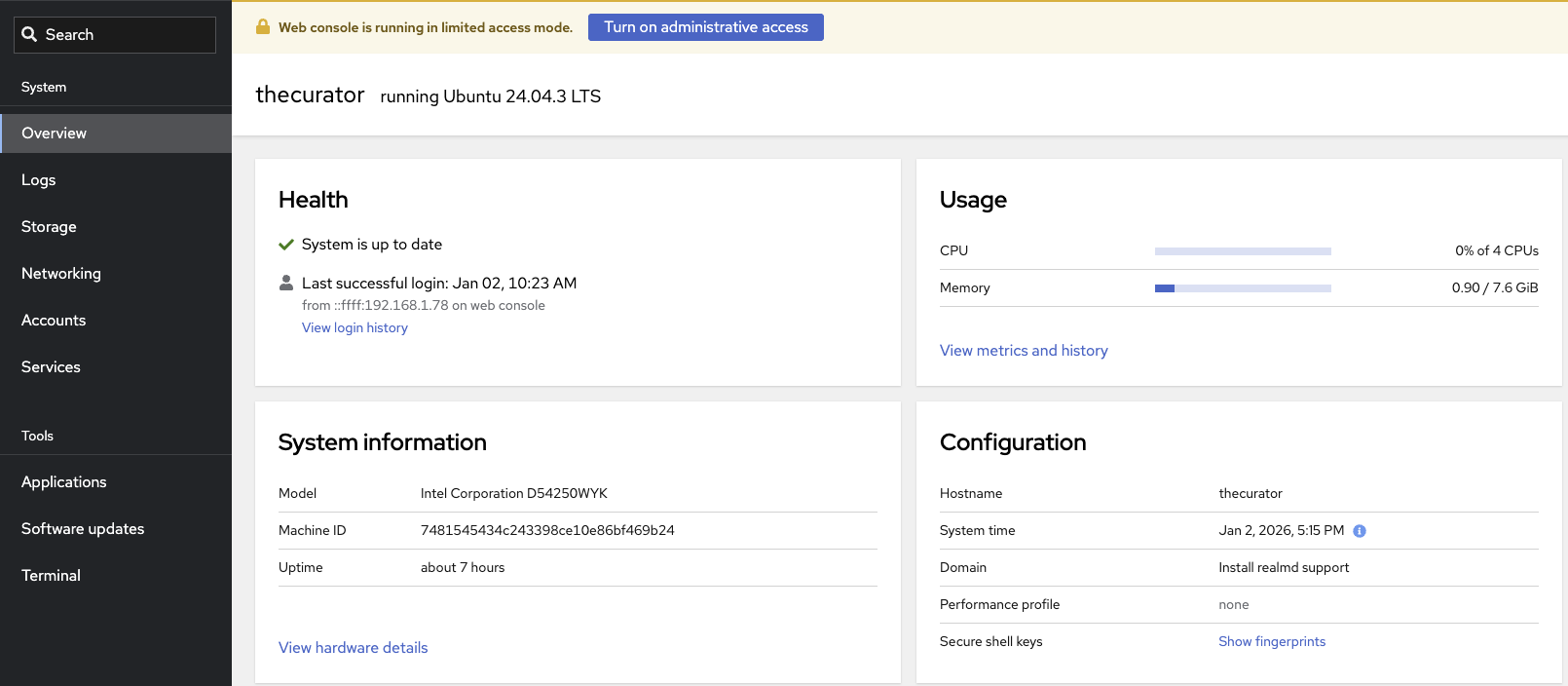
What it is
Cockpit is a program you can install on your Linux hosts that allows you to monitor and manage them from your web browser.
Key Features
- Manage multiple Linux hosts from one web UI
- Terminal, services, and logs in one place
- Built-in dashboards for resource usage
- Runs updates and basic admin tasks without SSHing everywhere
- Uses your existing system users and permissions
Installation
Setup is super simple. The main documentation can be found here.
Install on Ubuntu
It’s one simple command to get it installed without any need for configuration afterwards.
|
|
Accessing web UI
After the install you can access your cockpit instance by going to https://server-IP:9090
Multiple Hosts
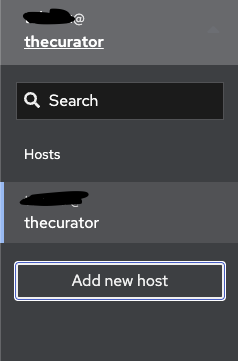
Adding additional hosts is also really simple. You’ll want to designate one host as the default to add all of your hosts too. My main host is called The Curator and is used for my Wazuh SIEM server. So it’s fitting it’ll be the default host for all of my Cockpit setups.
Steps
- Install Cockpit on the additional hosts
- Click the dropdown in the top left
- Select Add new host
- Enter the details for the new host
- It’ll work with IP address, alias name or an ssh://URI
- Once you’ve authenticated you’ll see the host listed in your sidebar so you can switch between the two.
You’re all set to manage your Linux hosts from your web browser!
Troubleshooting
If you’re unable to access the web UI you may need to:
- Activate the software
|
|
- If you have the firewall enabled you may need to unblock it. For UFW that would be
|
|