What
I tried creating my very first vibe coded project using ChatGPT’s Codex app.
Link to my vibe coding project: https://github.com/tohaku/BlogPhotoUpload
About
Recently on the Diary of a CEO podcast, the host stated he’d rather hire someone who can vibe code or use AI to generate what they need instead of hire an engineer. More and more I keep hearing that AI is going to kill SAAS because teams are vibe coding the apps they need instead of paying for an app that might not satisfy exactly what they need. When I hear these things it makes me wonder what tools I could make that would make my work easier or make my home projects easier.
One thing that costs me a bit of time is adding images to my blog posts. My old workflow was very manual and involved connecting to Cloudflare R2 with Cyberduck to upload my screenshots. Then since I could never remember the exact code for embedding images in blog posts, I’d usually have to go back to my old posts, copy image code, and manually update the URL to use it in my new post. Even then I might have to troubleshoot why an image isn’t showing because I typed something incorrectly.
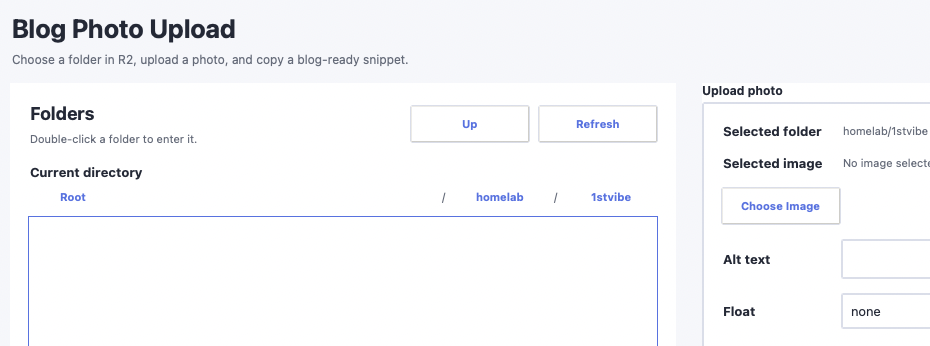
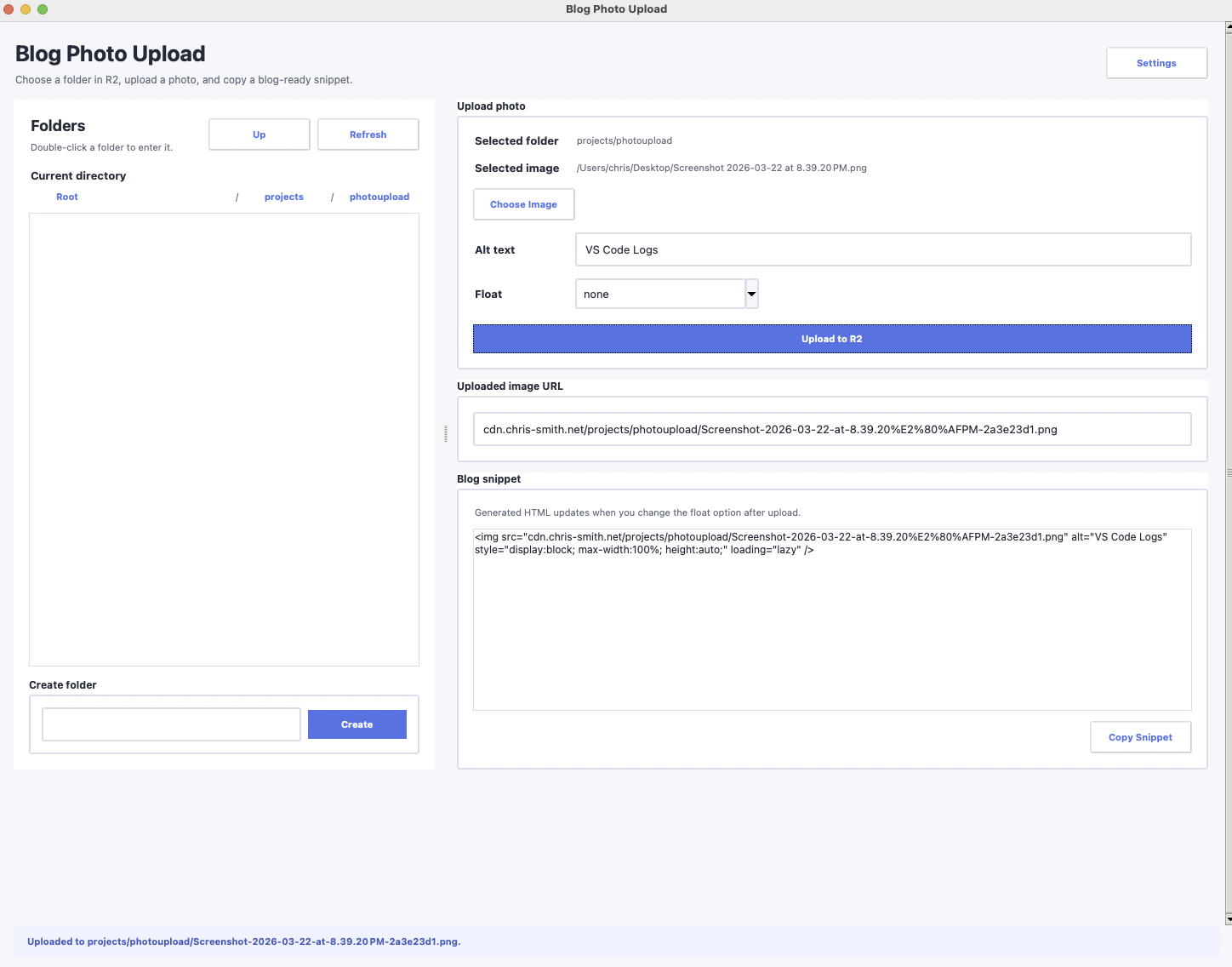
The app I vibe coded saves me a bit of time by automatically uploading images I select to my Cloudflare R2 bucket and provides the image code I need to show the image in my blog post. It also stores all of the API keys hashed in an SQLite databse so I can keep those keys secure.
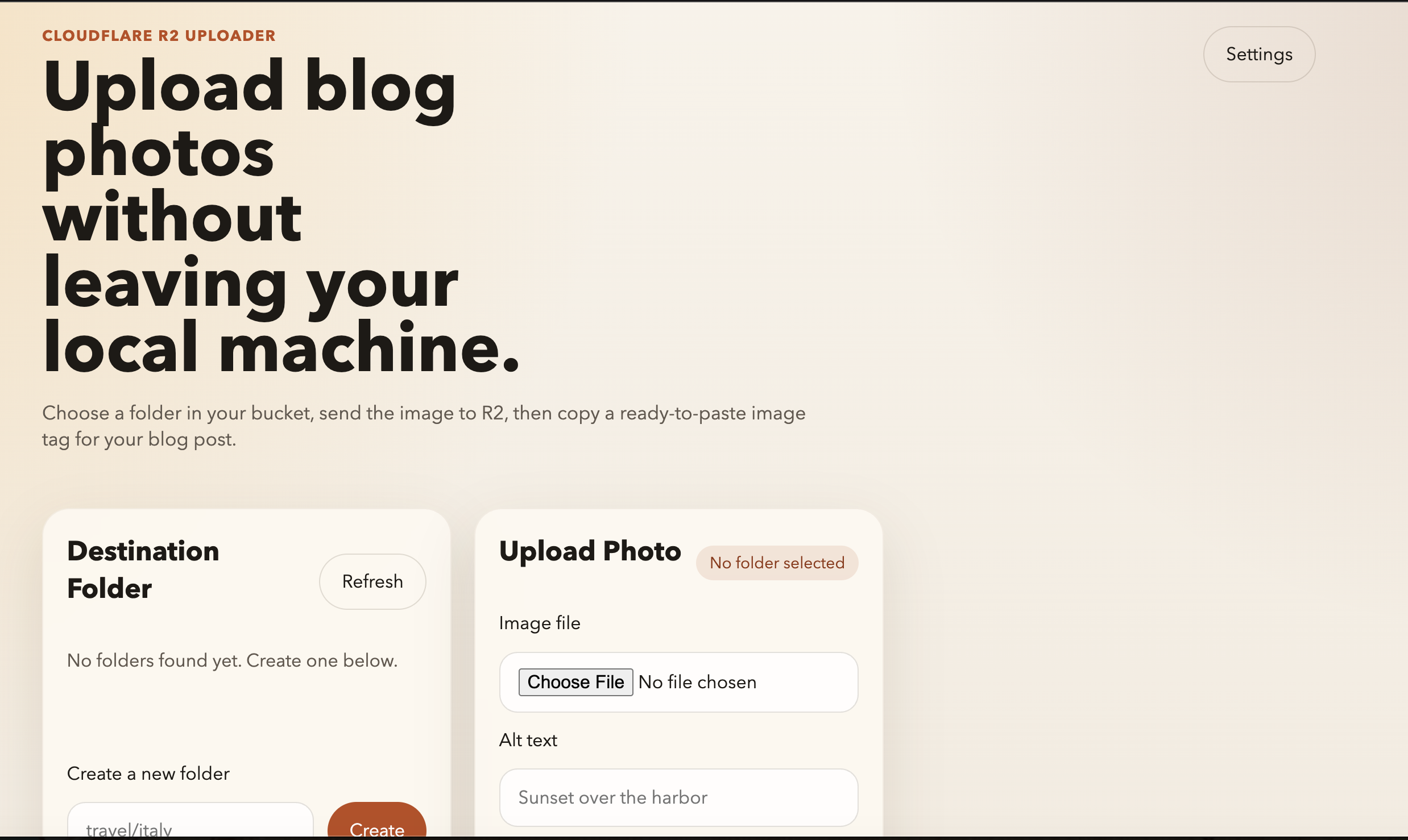
The first attempt was amazing. In just one prompt I had generated a web app that did everything I wanted and looked nice.
My first attempt was amazing but I changed my mind from having a web app to an app I could run locally. So I told ChatGPT to change it, and it re-did the app in Python. It also assumed the project would be automatically uploaded to Github without me specifying that and generated the instructions needed for users to try the same project, as well as a gitignore file to prevent secure information from getting uploaded to Gitub and leaked.
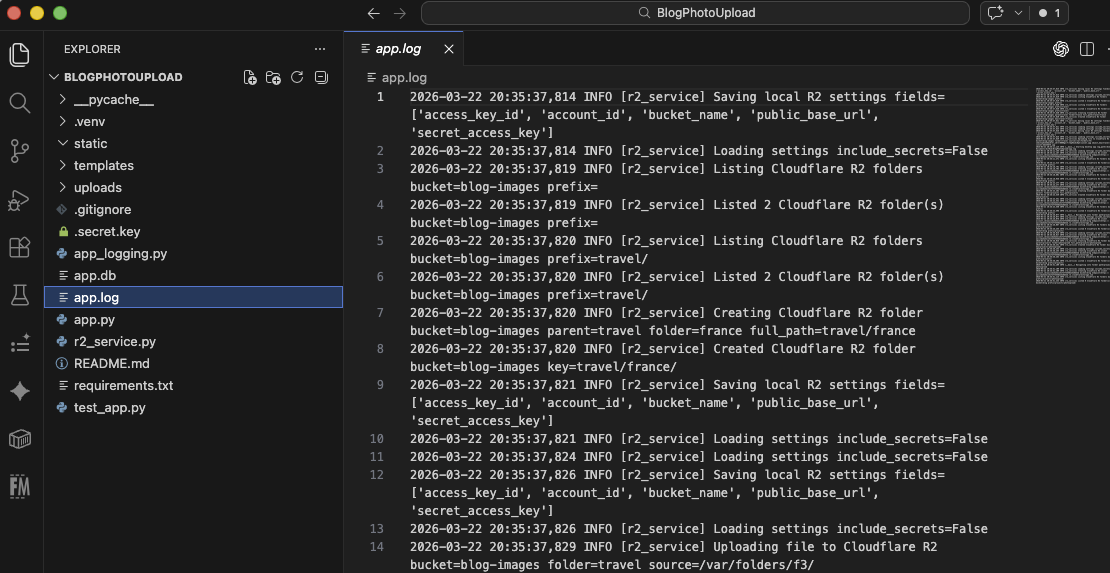
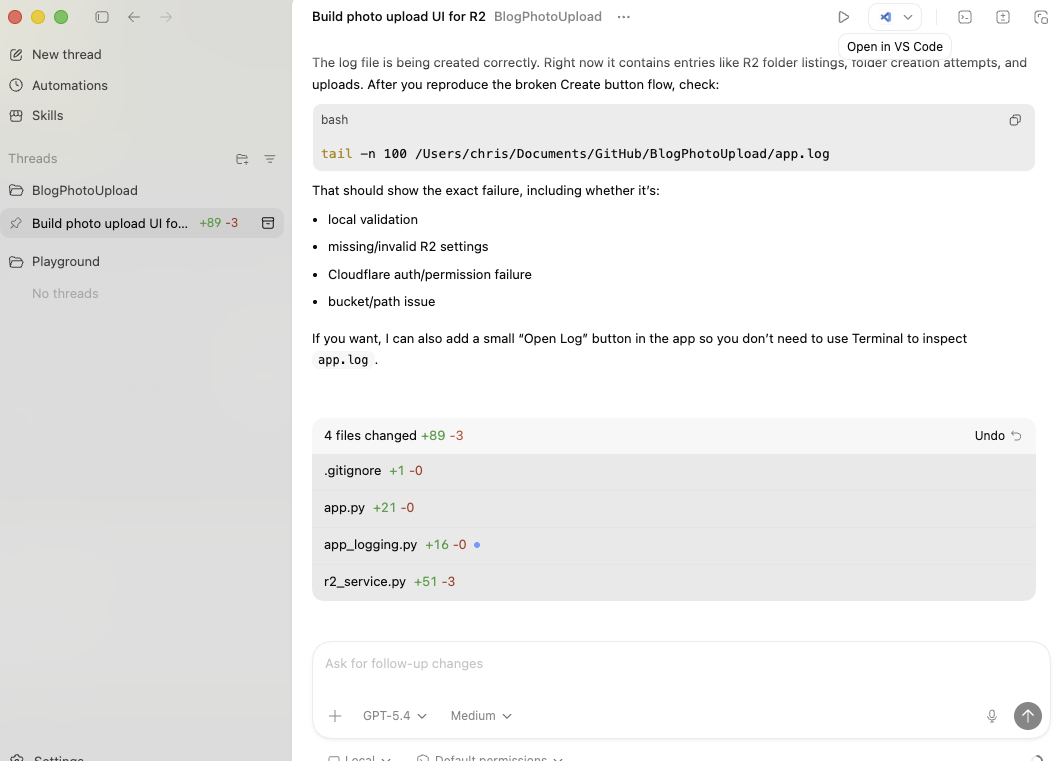
For my final change I added the ability to output logs and prevent leaking any information in those logs. Initially it was leaking identifiable information.
Final thoughts
I was blown away by how easy it was to create this app. A day of random brain storming and a 10 minute prompt gave me the exact program I wanted to make blogging easier.
Potential future additions. These could easily just be one or two more prompts to add to my existing app.
- Fix the UI to be more responsive
- Fix image URLs to automatically include https://
- Add the option to specify and include an image caption